
Update Protocol (upgrade)
The protocol Archon agents and the CLI run when you say "update archon" on a project that already has Archon installed. Same outcome via either path; the agent's path is conversational, the CLI path is scripted.
Agents fetch the executable instruction file at
https://aaep.site/update.md. This page is the human-readable view of what the agent will do.
When this protocol applies
The user says (no URL needed once archon-wake.mdc or its platform equivalent is loaded — that happens automatically after a successful install):
- "update archon"
- "upgrade archon"
- "pull latest archon"
- "hi archon, update yourself"
…and .archon/soul.md + .archon/VERSION already exist.
If neither exists, the agent should route to Install instead.
What is never touched
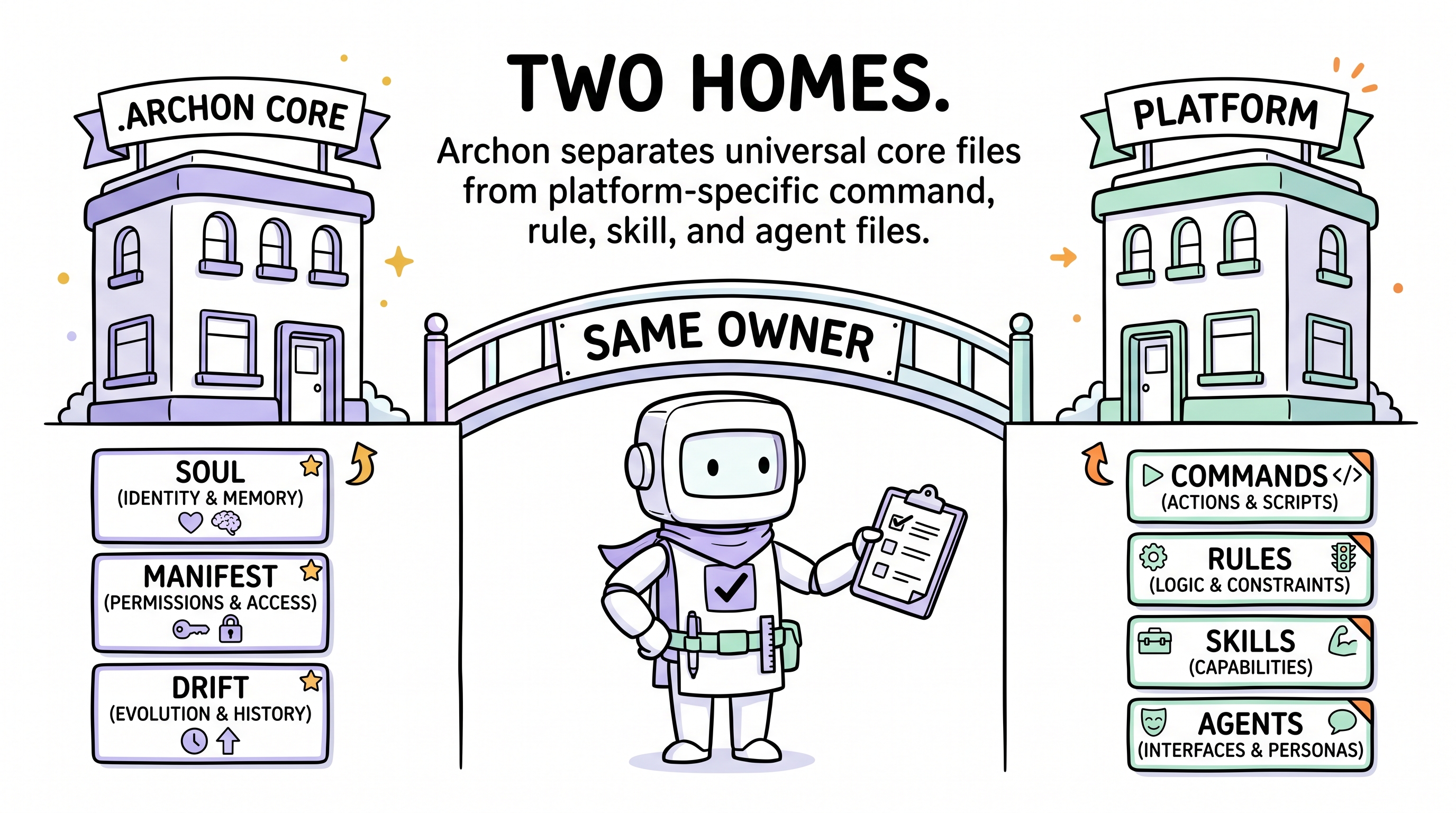
The manifest's runtime_ledger_paths list is sacred. Updates never overwrite these:
Files
.archon/manifest.md.archon/drift.md.archon/debt.md.archon/memos.md.archon/signs.md.archon/decisions.md
Directories
.archon/debt/.archon/drift/.archon/memos/.archon/memos-archive/.archon/manifest/.archon/dashboard/heartbeats/.archon/runs/
These are your project's governance history. Only you can change them.
The 9 steps
1. Confirm Archon is installed
Refuse if .archon/soul.md or .archon/VERSION is missing. Suggest Install or Sync instead.
2. Fetch canonical manifest
GET https://aaep.site/manifest.jsonCompare canonical version vs .archon/VERSION. If equal and --force is not set, ask whether to re-verify (this is essentially Sync) or exit.
3. Build the update plan
For every canonical file (excluding ledgers):
| Classification | Condition |
|---|---|
| ADD | Path is in canonical, absent locally |
| UPDATE | Path is in canonical, present locally, sha256 differs |
| UNCHANGED | Path is in canonical, present locally, sha256 matches |
| REMOVE | Path was previously installed (in an opted-in module) but the user is now opting out via --without= |
The agent also detects previously installed optional modules and asks whether to drop any. Modules opted out trigger REMOVE actions for their files.
The plan is shown before any write:
Update plan: 0.1.0 → 0.2.0
  ADD     ( 3): .archon/skills/foo/SKILL.md, ...
  UPDATE  (12): .archon/soul.md, ...
  UNCHANGED (57)
  REMOVE  ( 0)
  Optional modules currently installed: cli, dashboard
  Optional modules available but not installed: extensions-demand-pool
Proceed? [y/N]4. Download and verify
Same all-or-nothing sha256 discipline as install. Parallel fetch, sha256 check each file, abort the entire update on any mismatch.
5. Write updates with backup
For each file in the verified buffer:
- ADD → write directly (parent dirs created as needed).
- UPDATE → first copy the previous version to
.archon-backup-<ISO>/<path>, then overwrite. - REMOVE (from
--without=) → first copy to backup, then delete. - UNCHANGED → skip.
After all writes succeed, prune empty parent directories that resulted from REMOVE actions.
6. Handle stale extras
If the project has Archon-owned paths not in canonical (e.g. a file from an old version that was renamed), report them but never auto-delete. Suggest the user inspect and decide.
7. Write new VERSION
Update .archon/VERSION to the canonical version. (Note: this is the only file update writes outside the buffered fetch — and it goes through the same write helper that preserves line-endings, so a subsequent sync won't report it as drifted.)
8. Log the update
Append to .archon/drift.md:
- 2026-05-05 14:30 | update | v0.1.0 → v0.2.0 | agent=cursor-claude-opus | add=3 update=12 remove=0 | source=aaep.site/manifest.json9. Summarise
Print a concise summary:
- ✓ N added, M updated, K unchanged, R removed.
- 📦 Backup at
.archon-backup-<ISO>/. - 📜 Highlight notable changelog entries between the two versions.
- → Suggest running
archon syncto confirm everything is clean.
Module selection on update
update accepts the same --with= / --without= flags as install (CLI path; agents accept the same selection conversationally):
# (CLI examples — Node ≥ 18 required)

# pull latest, keep current module selection
npx @archon/cli@latest update

# pull latest AND opt out of CLI module
npx @archon/cli@latest update --without=cli

# pull latest AND opt in to demand-pool extension
npx @archon/cli@latest update --with=extensions-demand-poolWhen --without= removes a module, its files are moved to backup and pruned from the project. The agent never silently deletes files; it always shows the removal plan first.
Guardrails
- Never overwrite paths in
runtime_ledger_paths. - Always sha256-verify before writing.
- Always back up before overwriting.
- Always log to
drift.md. - Never auto-delete extras outside the
--without=plan.
CLI equivalent (optional, requires Node ≥ 18)
# fetch latest, apply diffs
npx @archon/cli@latest update

# re-verify even if versions match (useful after manual edits)
npx @archon/cli@latest update --force

# preview the plan, write nothing
npx @archon/cli@latest update --dry-run

# update + drop a module
npx @archon/cli@latest update --without=cli,dashboardThe CLI itself requires Node ≥ 18. If you don't have Node, use the agent path described above — same result.
Raw agent file
What's next
- Confirm everything is clean: Sync.
- See where this fits in the bigger picture: Complete Lifecycle.