
Install Protocol (first time)
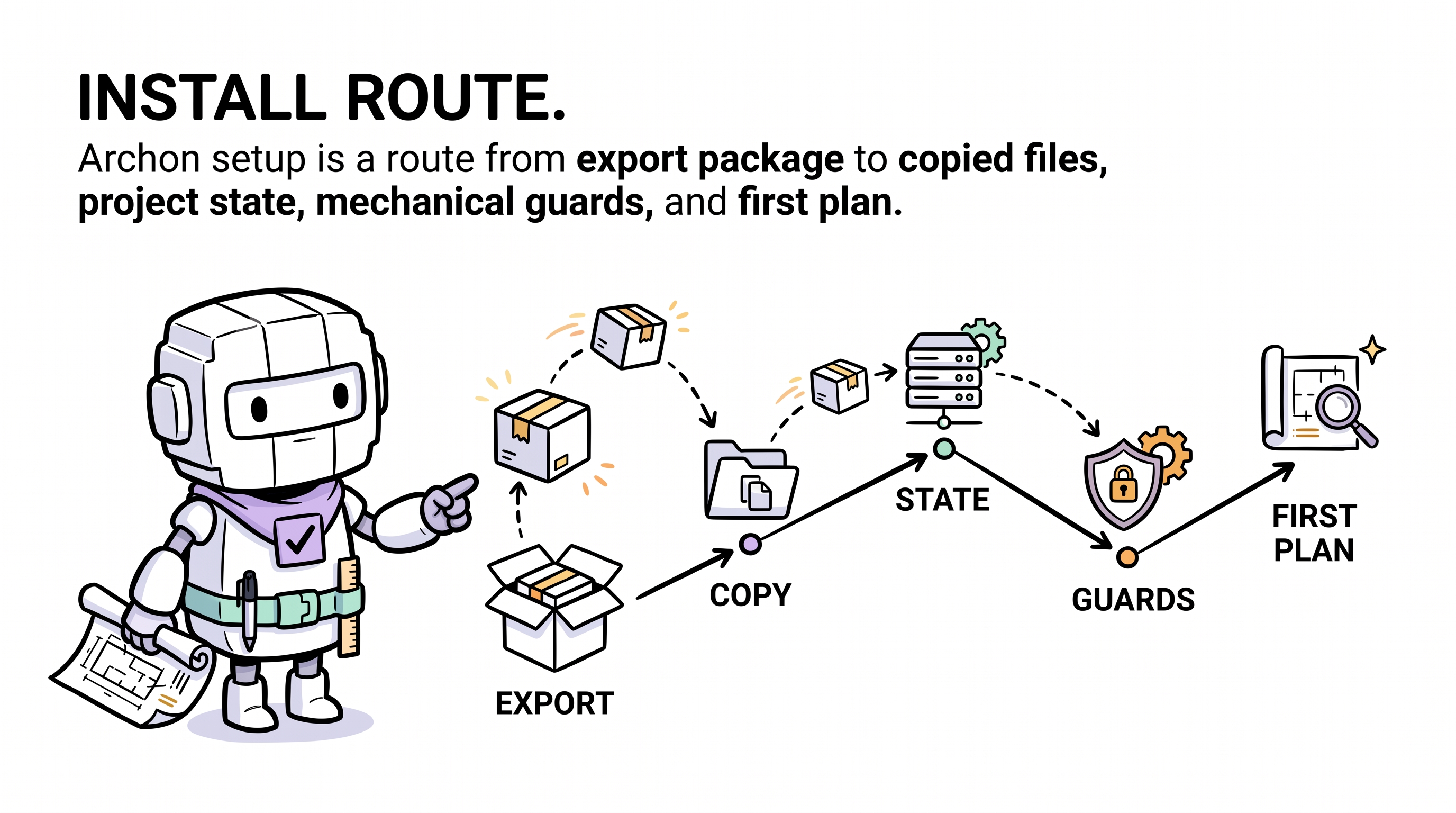
The step-by-step protocol that runs the first time Archon enters a project. Same outcome whether an agent or the CLI executes it; the agent path is conversational, the CLI path is scripted.
Agents fetch the executable instruction file at
https://aaep.site/install.md. This page is the human-readable view of what the agent will do — same 10 steps, annotated.
When this protocol applies
The user says something like (at the very first invocation, the URL is required so the local agent knows what to fetch):
- "read aaep.site/skill.md and install archon"
- "read aaep.site/init.md and install archon"
- "fetch aaep.site/skill.md, then install archon"
After Archon is installed, the wake rule is loaded and shorter phrases ("install archon", "set up archon", "init archon") will route correctly — but at the very first invocation the URL bootstrap is the canonical form.
…and .archon/soul.md does not exist yet (or --force is set).
If .archon/ already exists, the agent should route to Update or Sync instead.
Pre-flight
Before the agent starts:
- The project must be a git repository with a clean working tree.
- The agent must have web-fetch + file-write tools available. Any modern coding agent (Cursor / Claude Code / Codex CLI / Continue / Aider / Windsurf / others) qualifies.
- The agent will detect your IDE platform and binding directory (per
skill.md§3). If detection fails it asks. - Optional runtimes, only required if the corresponding modules are selected:
- Node.js ≥ 18 — for the
clianddashboardmodules. - Python 3 — for running the pre-commit checker (
scripts/archon-check.py). Strictly speaking, install itself does not need Python; only the pre-commit hook does, and only if you choose to wire one in Step 8 of Quickstart.
- Node.js ≥ 18 — for the
The 10 steps
1. Verify fresh install
Refuse if .archon/soul.md or .archon/VERSION exists, unless --force.
2. Fetch the canonical manifest
GET https://aaep.site/manifest.jsonParse archon.manifest/v1, record version, modules, placeholder catalogue, and the runtime_ledger_paths list.
3. Inspect project & propose modules
The agent inspects package.json, README, existing .cursor/ content, and proposes a module selection:
| Type | Modules |
|---|---|
| Required (always installed) | core-soul, core-contracts, core-templates, core-version, domain-lenses, commands, agents, rules, skills, scripts, legal |
| Optional (asked) | cli, dashboard, extensions-demand-pool |
The plan is shown to the user before any download starts.
4. Collect placeholder values
The manifest's placeholders catalogue lists the tokens used across source files. The agent prompts for:
PROJECT_NAME— used in soul, manifest, decisions.TECH_STACK— used in manifest.DOMAIN— used in manifest.OWNER— used in NOTICE.PROJECT_SLUG— derived from PROJECT_NAME.
Stored as $PLACEHOLDERS and applied during step 5.
5. Fetch every file and verify
Parallel fetch each file. For each one:
- Download bytes from the manifest's
url. - Compute sha256, compare with the manifest's
sha256. - If mismatch → abort entire install (no partial writes).
- Substitute placeholders inline.
- Buffer the verified bytes in memory.
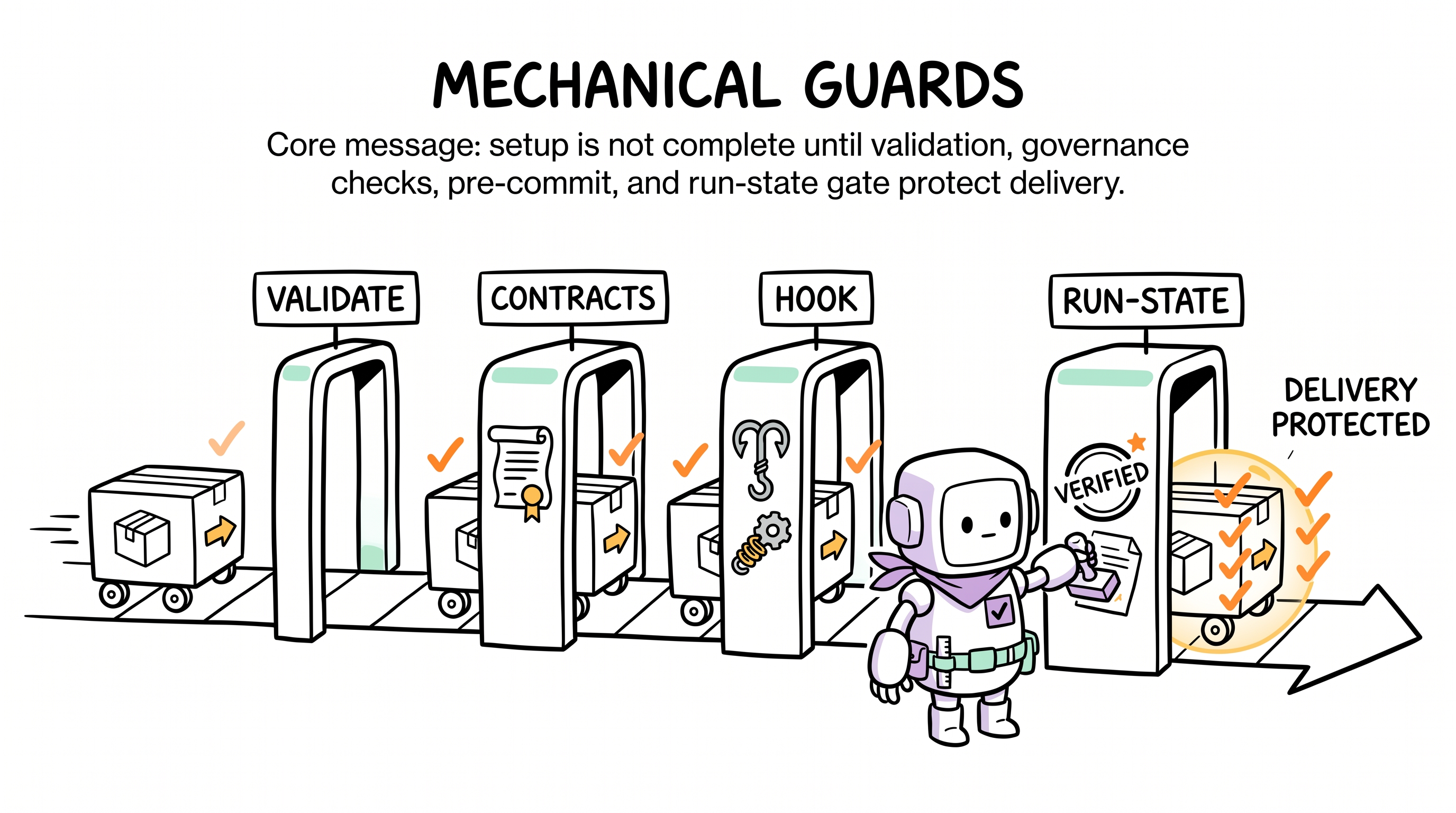
This is the all-or-nothing barrier. Every file passes, or nothing is written.
6. Write files
Once every buffered file is verified, the agent walks the buffer and writes each file to disk. It creates parent directories as needed and fails loudly on unexpected collisions (which would indicate the install isn't fresh).
7. Seed runtime ledgers
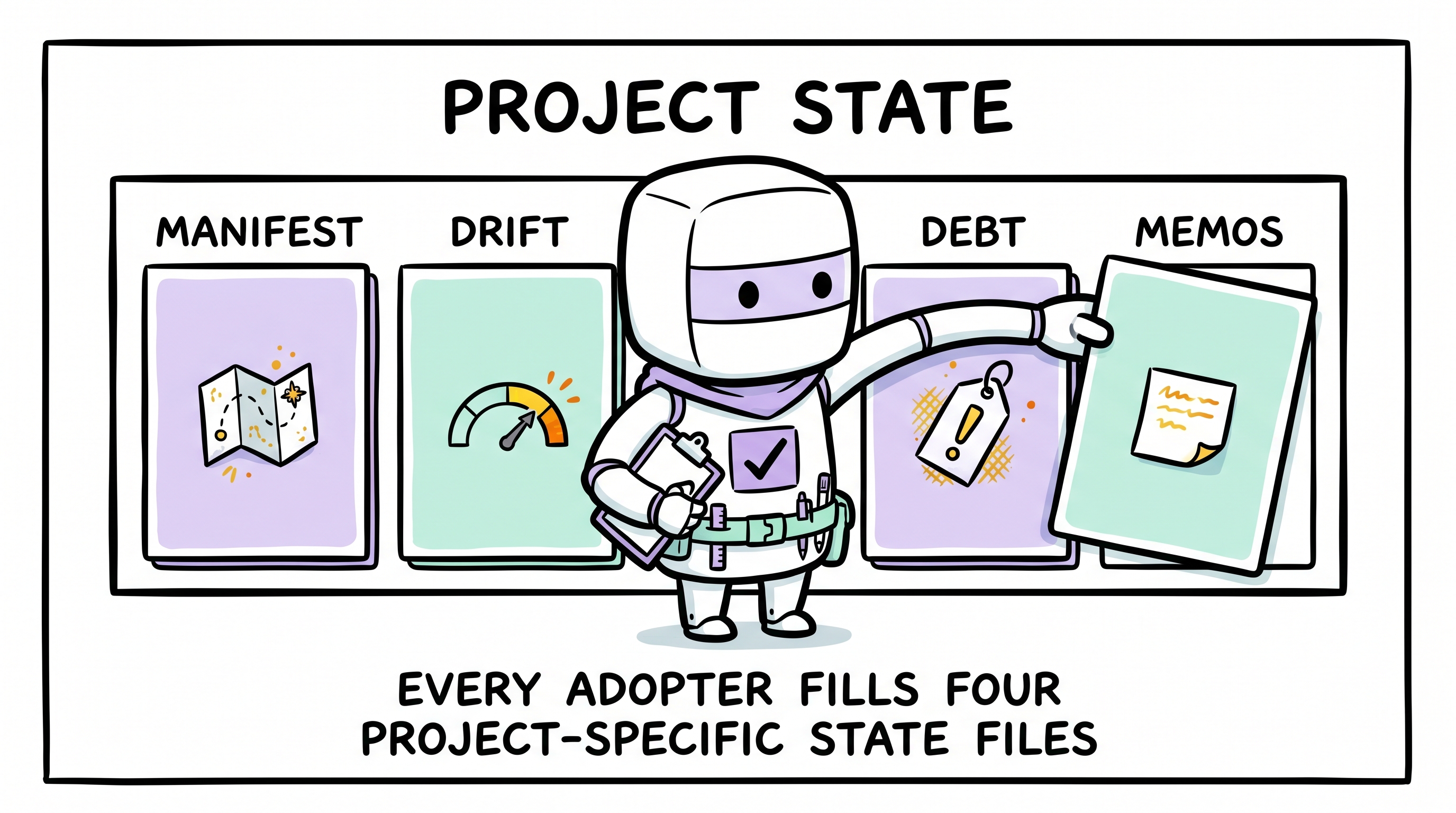
The framework files are now on disk. The agent now creates empty but valid runtime ledgers:
| Path | Initial content |
|---|---|
.archon/manifest.md | Project hot-context template (you fill it next) |
.archon/drift.md | Empty drift log (one row added in step 9) |
.archon/debt.md | Empty debt registry |
.archon/memos.md | Empty memo hot-index |
.archon/signs.md | Empty signs table |
.archon/decisions.md | Placeholder ADR-1 |
.archon/drift/records/ | .gitkeep only |
.archon/debt/items/ | .gitkeep only |
.archon/memos/records/ | .gitkeep only |
.archon/VERSION | Manifest version (e.g. 0.1.0) |
These paths are listed under runtime_ledger_paths in the manifest and will never be touched by future updates.
8. Install IDE binding surface
Write <binding-root>/commands/, <binding-root>/agents/, <binding-root>/rules/, and <binding-root>/skills/archon-*/ verbatim.
<binding-root> is detected at Step 0 (or asked if undetectable):
| IDE | Binding root |
|---|---|
| Cursor | .cursor/ |
| Claude Code | .claude/ |
| OpenAI Codex CLI | .codex/ (or root AGENTS.md) |
| Continue | .continue/ |
| Aider | .aider/ |
| Windsurf | .windsurf/ |
| Other | (defaults to .cursor/, ask user) |
The manifest ships canonical paths under .cursor/. For non-Cursor platforms, the path prefix is rewritten on write — only the directory name changes, the markdown content is identical.
The agent coexists with any non-Archon files in your binding directory — never deletes them.
9. Log the install
Append a structured row to .archon/drift.md:
- 2026-05-05 14:23 | install | v0.1.0 | agent=cursor-claude-opus | modules=core+cli | files=72 | source=aaep.site/manifest.jsonThis is the only ledger write the install protocol performs.
10. Report summary
Print a concise summary:
- ✓ N files written, M modules selected.
- → Next steps:
- Open
.archon/manifest.mdand fill the three required sections. - Run your project's validate command (e.g.
npm run validate,pytest,go test ./...,cargo test,mvn verify) to confirm it's green. - Wire pre-commit: pick one option from Quickstart Step 4 — Python
pre-commitframework, plain git hook, or husky (only on Node projects). The shipped checker isscripts/archon-check.py(Python stdlib-only) and its Bash wrapperscripts/archon-check.sh. There is no Node implementation. - Wake Archon:
hi archon, run a plan for X(the URL is no longer needed; the wake rule routes the phrase automatically).
- Open
Guardrails the agent must enforce
- Never write paths outside the project root.
- Never write paths not in the manifest (except seeded runtime ledgers +
.gitkeep). - Always verify sha256 before writing.
- Always preserve user's pre-existing binding-directory content.
- Always rewrite
.cursor/path prefixes to<binding-root>/for non-Cursor IDEs. Never write a.cursor/tree on a non-Cursor project. - Install is all-or-nothing — every file verifies, or nothing is written.
CLI equivalent (optional, requires Node ≥ 18)
# interactive
npx @archon/cli@latest install ./my-project

# install everything, no prompts
npx @archon/cli@latest install --with=all --yes

# preview the plan, write nothing
npx @archon/cli@latest install --dry-run

# private mirror
npx @archon/cli@latest install --base-url=https://archon.mycorp.comThe CLI itself requires Node ≥ 18. If you don't have Node, use the agent path described above — it produces the identical tree.
Every flag: Archon CLI reference.
Raw agent file
The instruction file the agent fetches verbatim: https://aaep.site/install.md
What's next
- After install completes, proceed with Quickstart Step 2.
- For the full lifecycle context, read Complete Lifecycle.
- For schema details on the manifest the agent consumed, see Canonical Manifest.